Articles
Notes and walkthroughs on Dynamics 365, Power Platform and solution architecture.
-
D365 F&O
Resolving Frequent Visual Studio Compilation and Build Errors in D365 F&O
Troubleshoot common Visual Studio build errors, missing model references, and metadata sync failures in Dynamics 365 Finance and Operations development.
-
D365 F&O
How to use X++ macro in Dynamics 365 F&O (D365 FSCM)?
Macros in X++ are precompiler directives that let you define reusable symbols, values, or code fragments before compilation. They are powerful but considered legacy, so Microsoft recommends using language constructs instead.

-
D365 F&O
Mastering the SysDa Framework in D365 F&O: Clean, Dynamic Queries in X++
Learn how to use the SysDa framework in Dynamics 365 F&O to build clean, strongly typed, and dynamic X++ queries without legacy QueryRun boilerplate.

-
D365 F&O
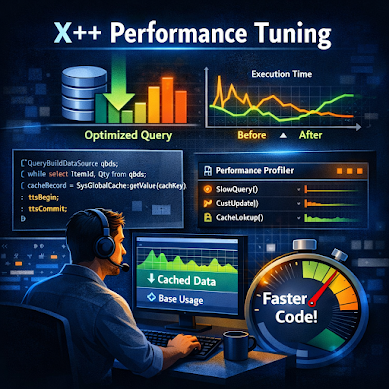
Advanced X++ Performance Tuning Techniques
Performance tuning in X++ is about precision — small code changes can yield major efficiency gains. This guide dives deeper into profiling, caching, and query optimization to help developers build faster, leaner solutions.
-
D365 F&O
X++ Naming Conventions & Clean Code Habits Every Developer Should Know
Master clean code in D365FO. Learn essential X++ naming conventions, casing rules, and habits to build clean, maintainable enterprise solutions.

-
D365 F&O
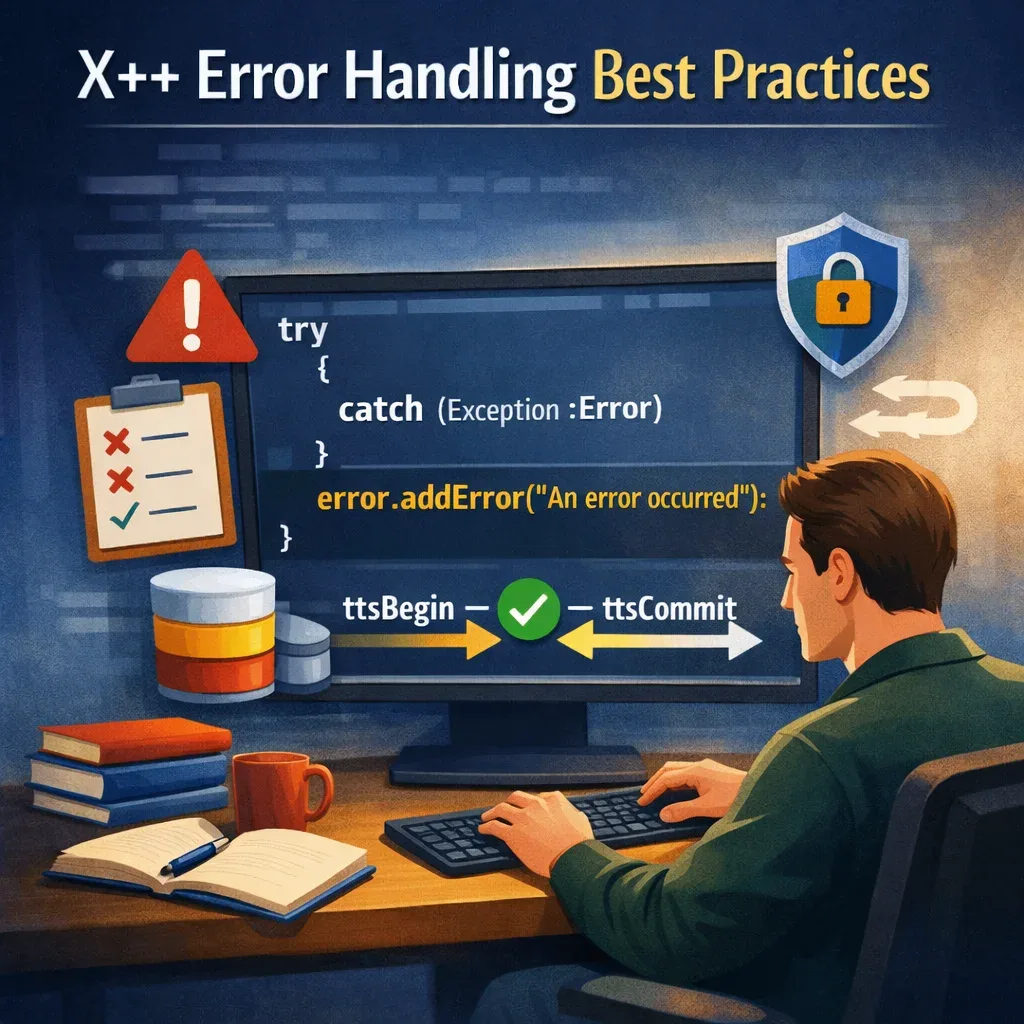
X++ Error Handling Best Practices
Error handling is a critical skill for developers working with Dynamics 365 Finance & Operations (F&O). Proper handling ensures smoother user experiences and reduces downtime. This guide explores best practices for managing exceptions in X++.
-
Power Platform
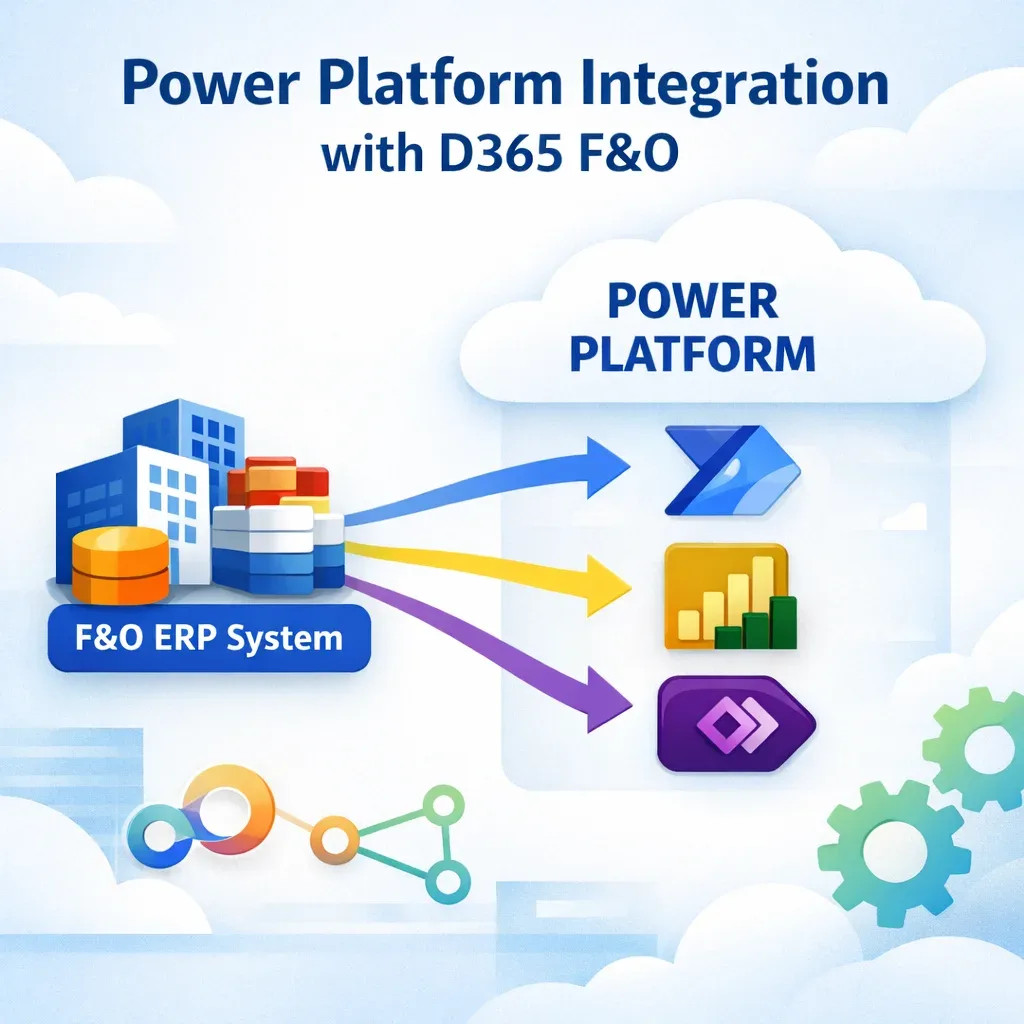
Power Platform Integration with D365 F&O
Integrating Dynamics 365 Finance & Operations (F&O) with Microsoft Power Platform unlocks automation, analytics, and app-building capabilities that extend the ERP’s power. This guide explains how developers and consultants can connect F&O with Power Automate, Power BI, and Power Apps to streamline business processes.
-
D365 F&O
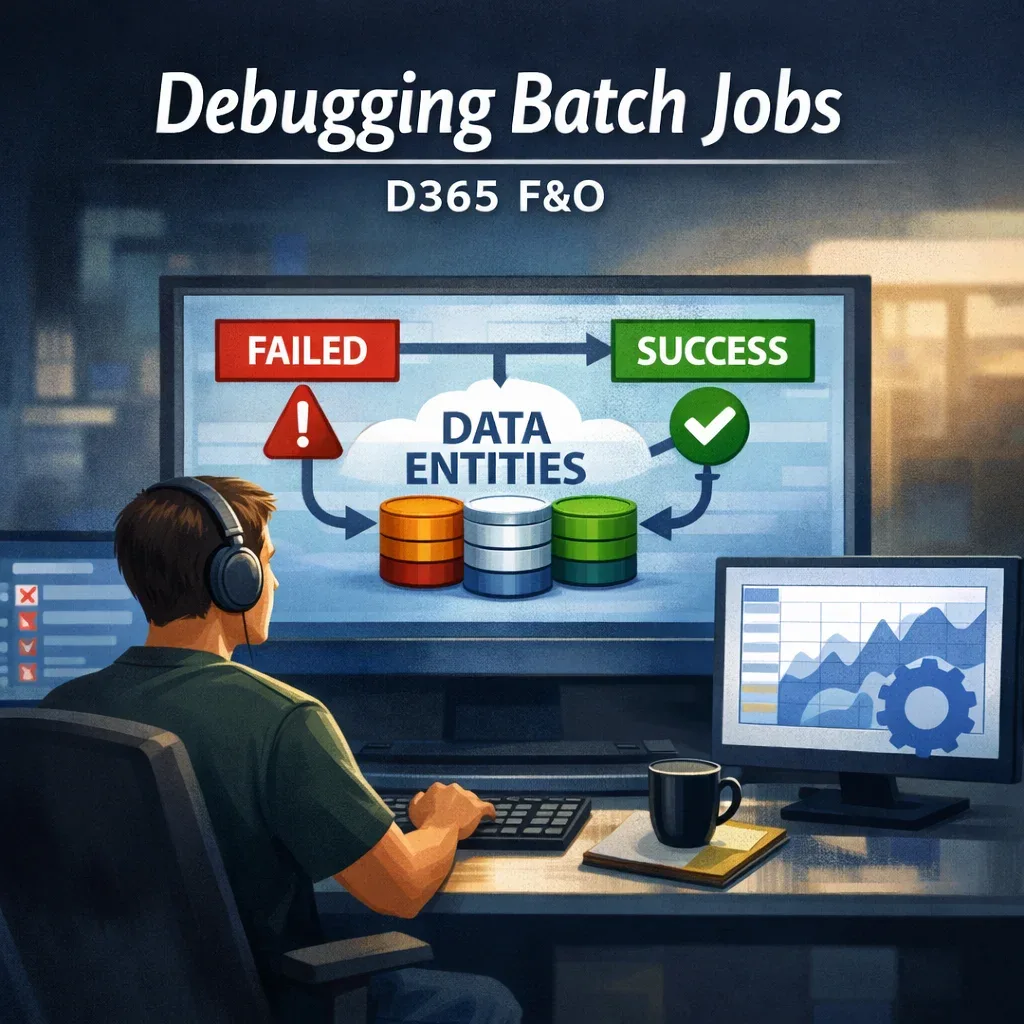
Debugging Batch Jobs and Common Failures in D365 F&O
Batch jobs are essential for automating processes in Dynamics 365 Finance & Operations (F&O), but when they fail, they can disrupt workflows and delay critical operations. Understanding how to debug and resolve these issues is key for developers and consultants.
-
D365 F&O
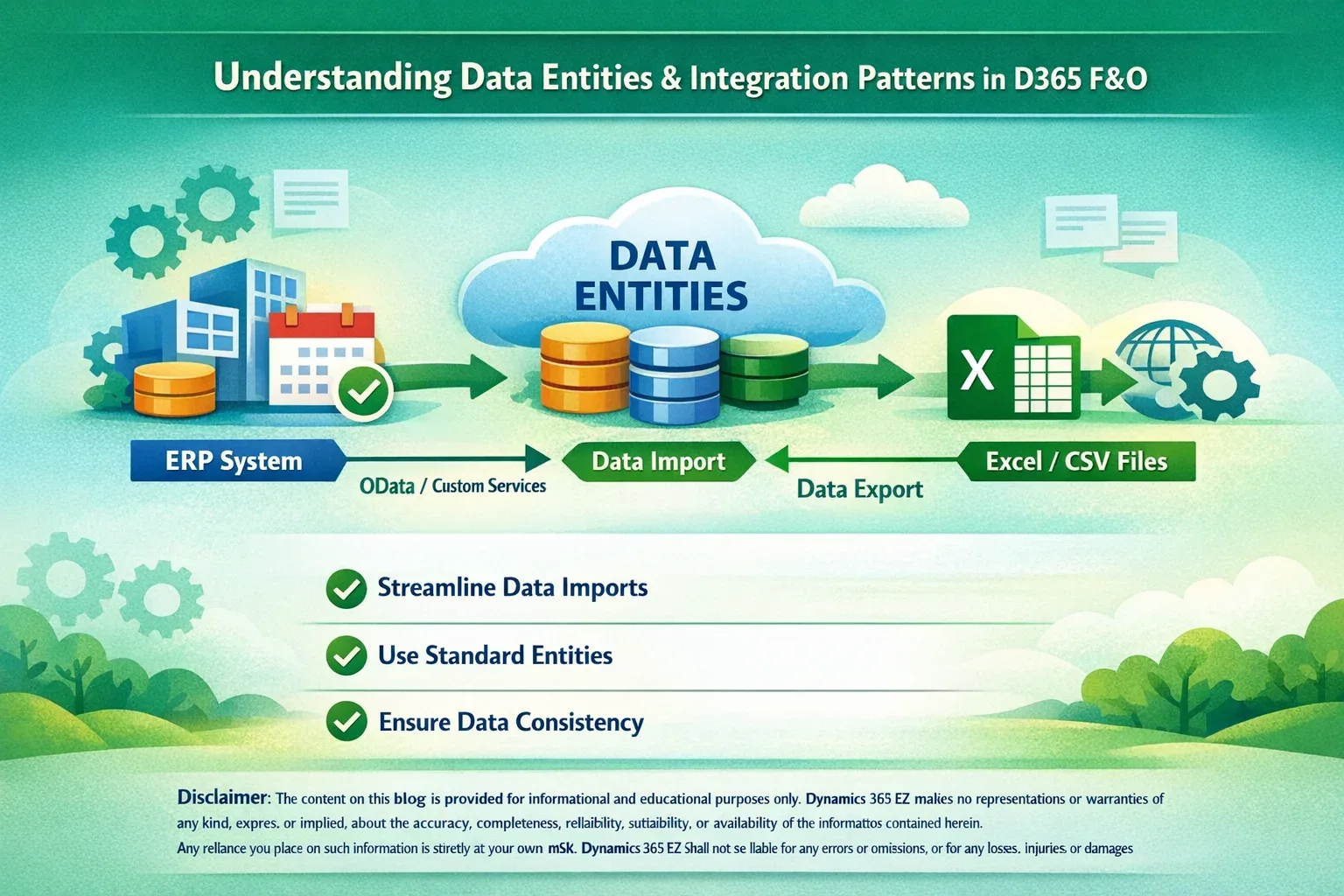
Understanding Data Entities and Integration Patterns in D365 F&O
Data entities are the foundation of data management and integration in Dynamics 365 Finance & Operations (F&O). They simplify data import/export, enable integrations with external systems, and support automation through APIs. This guide helps developers and consultants understand how to use data entities effectively and design robust integration patterns.
-
D365 F&O
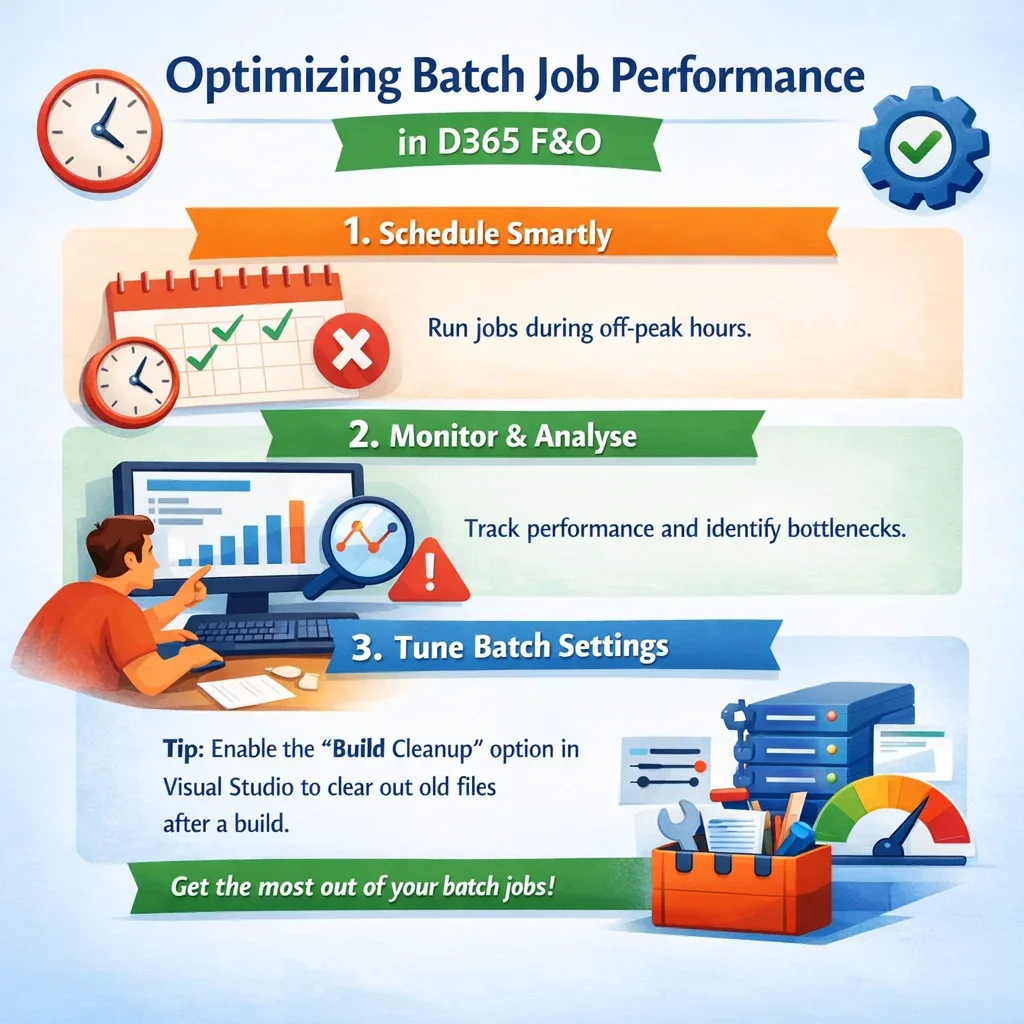
Optimizing Batch Job Performance in D365 F&O
Batch jobs are the backbone of automation in Dynamics 365 Finance & Operations (F&O). They handle everything from posting journals to processing large data imports. However, poorly configured batch jobs can slow down your environment and frustrate users. This guide explores how to optimize batch job performance for smoother operations.
-
D365 F&O
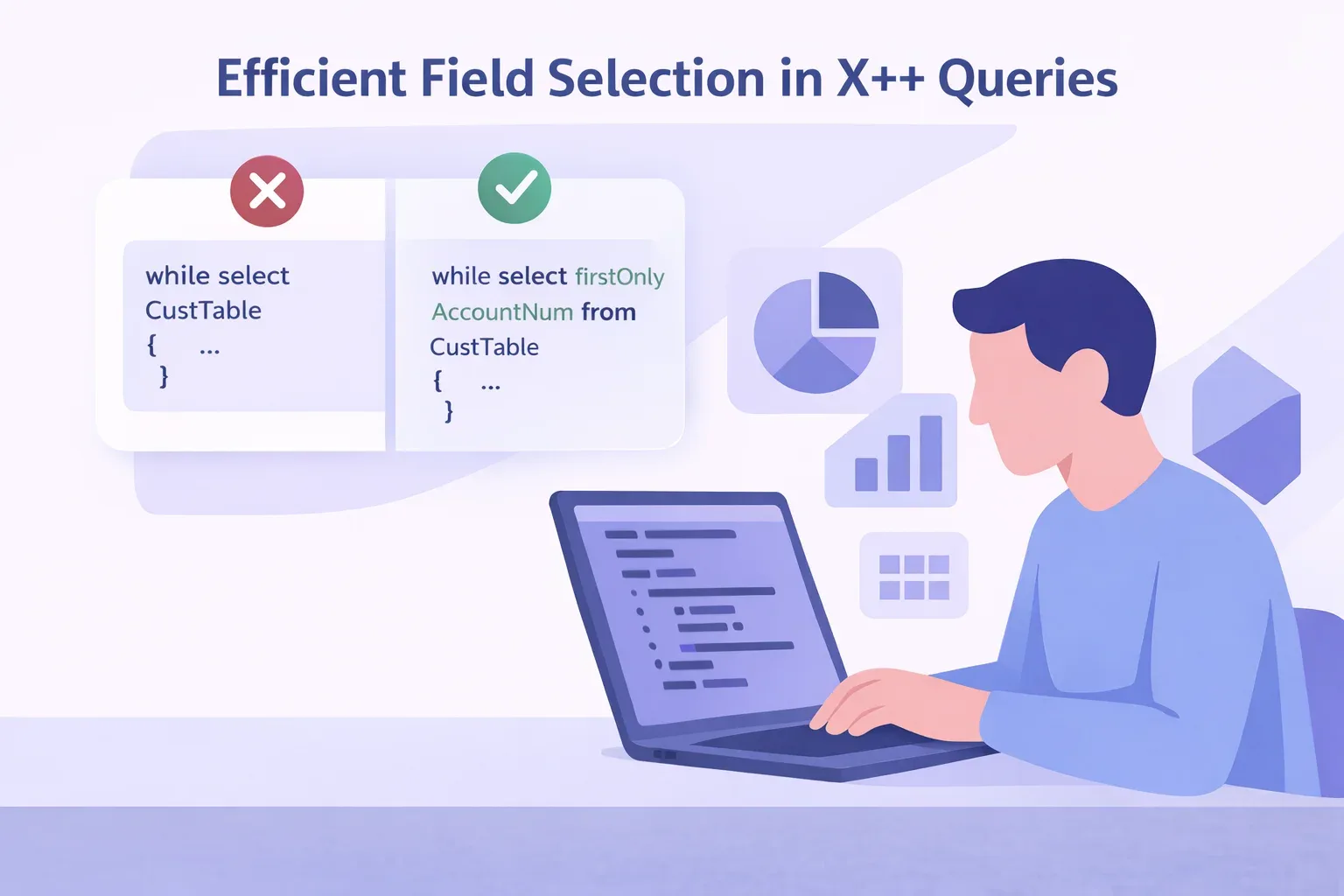
Efficient Field Selection in X++ Queries
Selecting only the fields you need in X++ queries is one of the simplest ways to improve performance in Dynamics 365 Finance & Operations. Many developers start with select * out of habit, but that approach can slow down data retrieval and increase memory usage.
-
D365 F&O
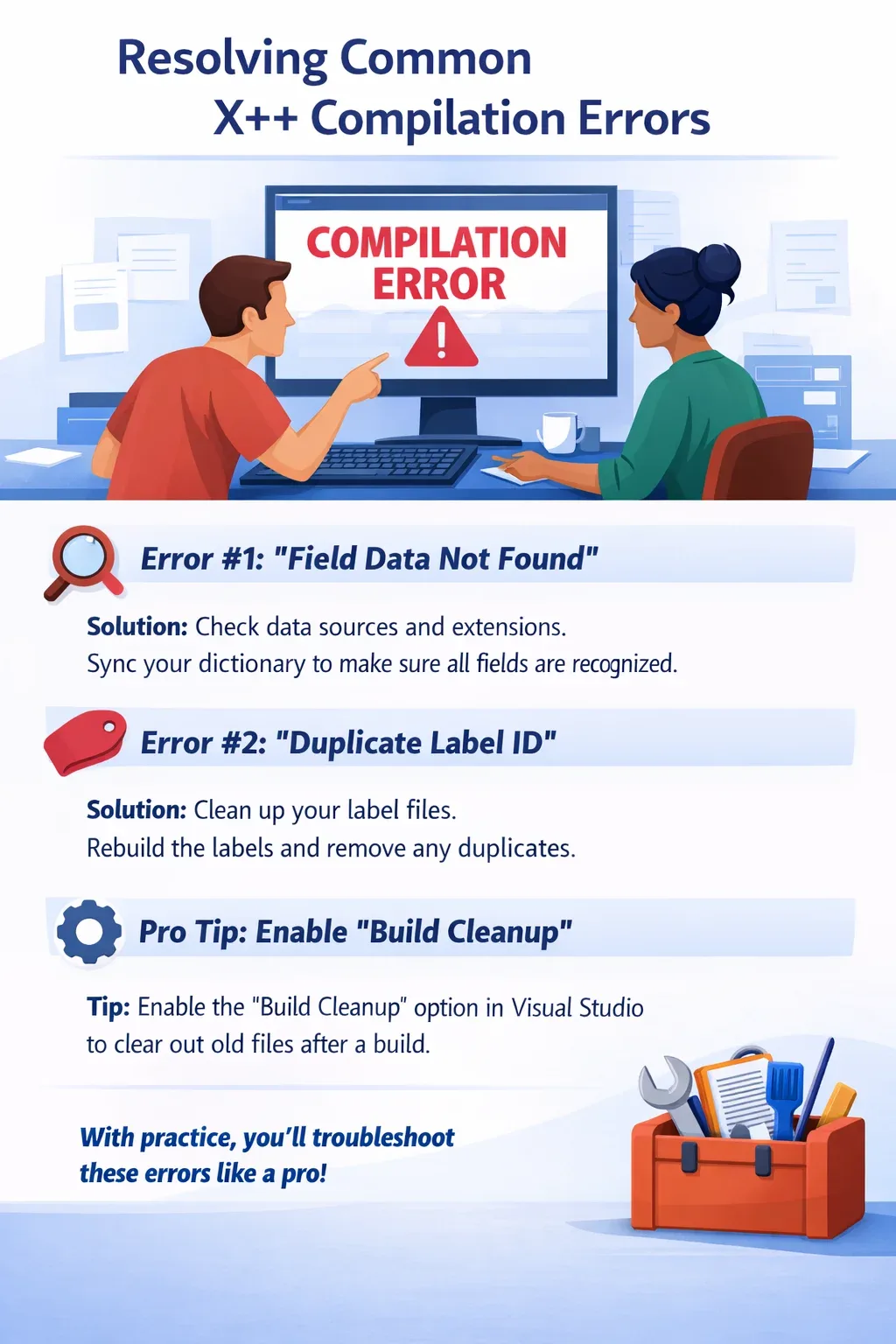
Troubleshooting Performance Counter Initialization Error in D365 F&O
Performance counters are essential for monitoring system health and performance in Dynamics 365 Finance & Operations (F&O). Occasionally, developers encounter the dreaded “Performance Counter Initialization Failed” error when starting their development virtual machine (VM). This guide walks you through understanding, diagnosing, and fixing the issue.
-
D365 F&O
5 Practical X++ Tips for D365 F&O Developers (That Actually Save Time)
Whether you’re new to X++ or have been working with Dynamics 365 Finance & Operations (D365 F&O) for years, there are small patterns and habits that can make your life much easier. In this post, I’ll share 5 practical X++ tips that I’ve seen repeatedly help in real projects – from safer queries to more maintainable and performance-friendly code.

-
D365 F&O
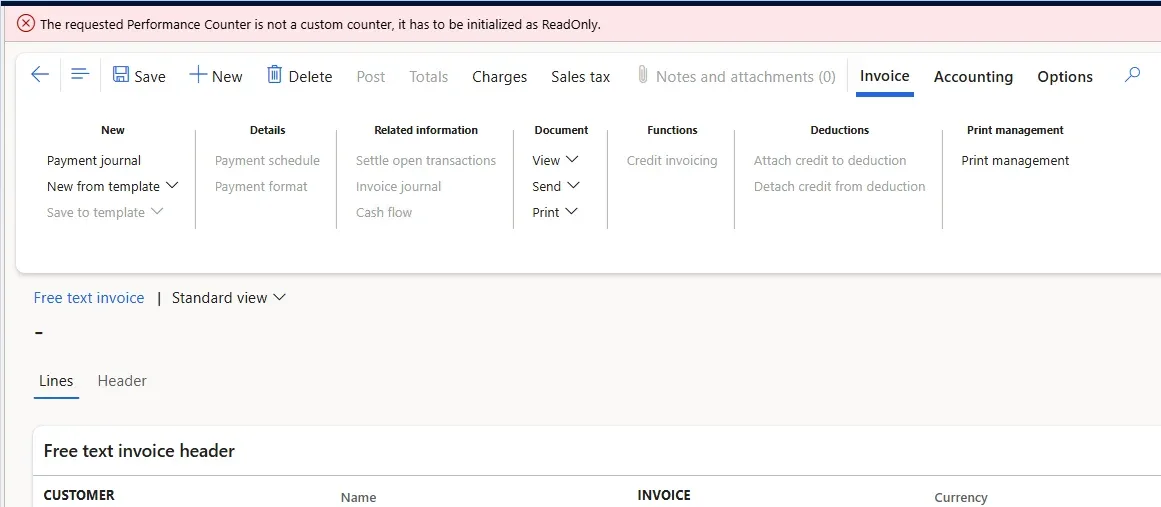
Resolving Performance Counter Error on D365 FSCM version 10.0.46
When working with a local virtual machine (VM) downloaded from the LCS portal (VHD image), I encountered an issue despite completing all installation and build steps successfully. Error: “The requested Performance Counter is not a custom counter, it has to be initialized as ReadOnly.”
-
Power Platform
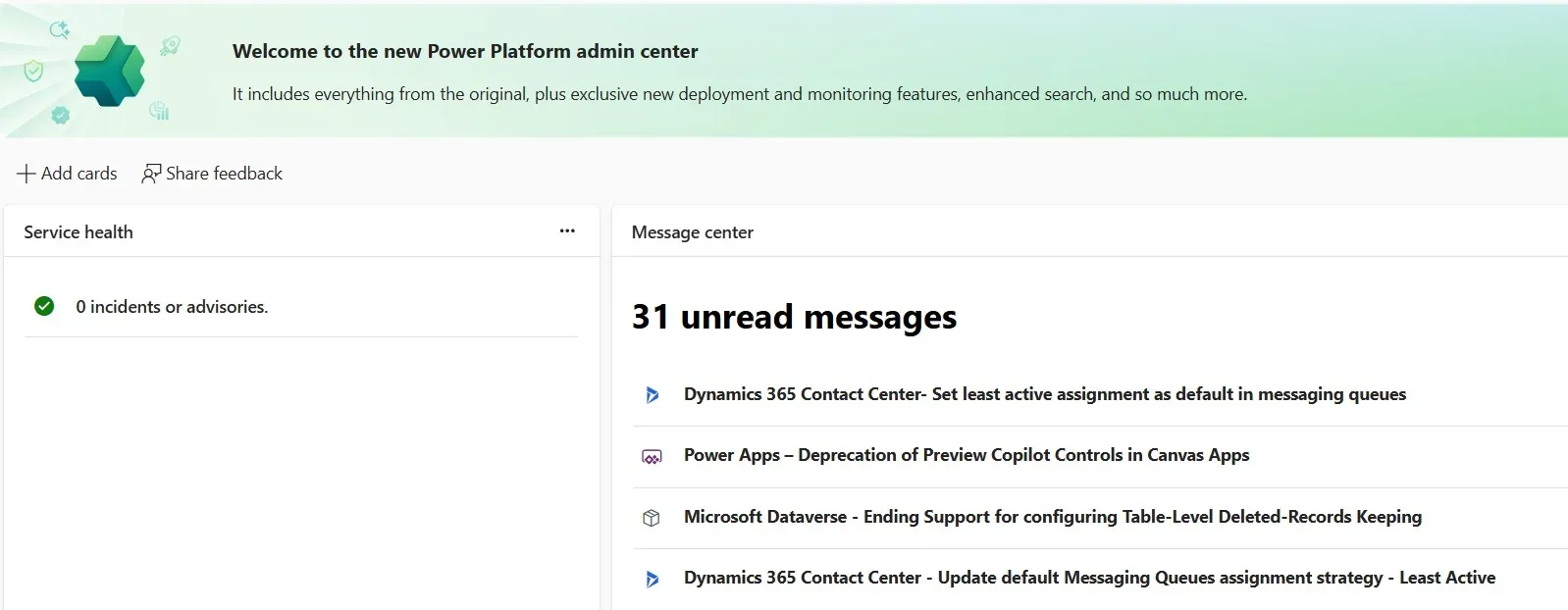
Overview of unified ERP provisioning in Power Platform (Dynamics 365 F&O/D365 FSCM)
Dynamics 365 Finance and operations apps are now hosted on Microsoft Dataverse, so you can provision ERP alongside other Dynamics 365 and low‑code apps directly in the Power Platform admin center or via API/PowerShell. Templates streamline environment creation by preinstalling ERP workloads, and a dedicated Provisioning app adds ERP capabilities to existing environments that already have Dynamics 365 apps enabled.
-
D365 F&O
How to Move the DEV AOSService Folder to a Different Disk in D365 FSCM VDH?
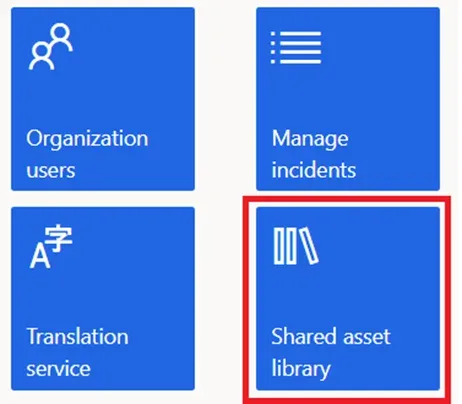
For local development in Dynamics 365 Finance and Supply Chain Management (FSCM), developers typically download and install the Virtual Hard Drive (VHD) from the Lifecycle Services (LCS) - Shared Asset Library.
-
D365 F&O
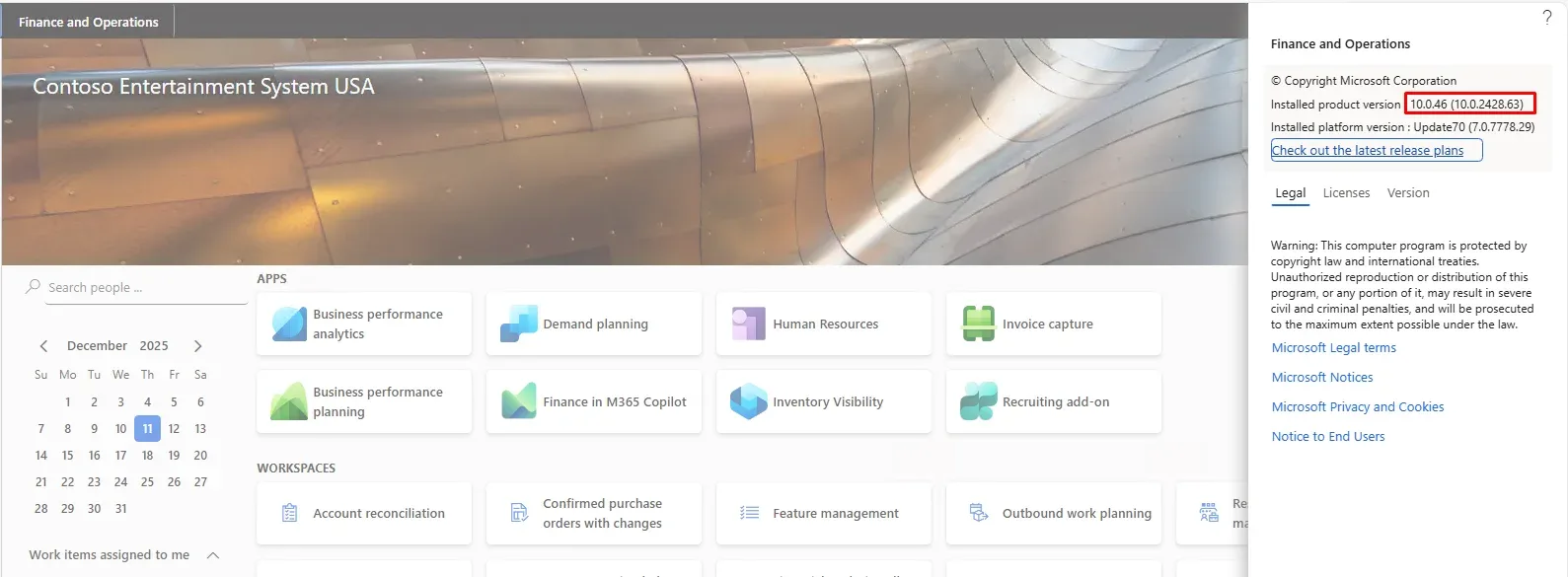
🚀 Upgrading Dynamics 365 FSCM (F&O) Dev local VM (VHD) to the Latest Service Pack - December 2025
Recently, Microsoft has released the new service update (10.0.40) for Dynamics 365 FSCM (F&O). Keeping your Dynamics 365 FSCM (F&O) development VM up to date is necessary as each service update brings bug fixes, performance improvements, and new features. In this guide, I’ll walk you through upgrading your local VHD to the latest service pack.
-
D365 F&O
What's new or changed in Dynamics 365 FSCM (F&O) 10.0.46 (December 2025)
As enterprise architects, we know that ERP upgrades are not just about new features—they’re about aligning business processes with evolving technology standards. Microsoft’s Dynamics 365 Finance & Supply Chain Management (F&SCM) 10.0.46 release (GA December 2025, auto-update February 2026) is a significant milestone. It strengthens compliance, operational resilience, and extensibility across Finance and Supply Chain workloads.

No articles yet.